Family Access Tools
Submit a request about your student’s DrawSplatTM data.
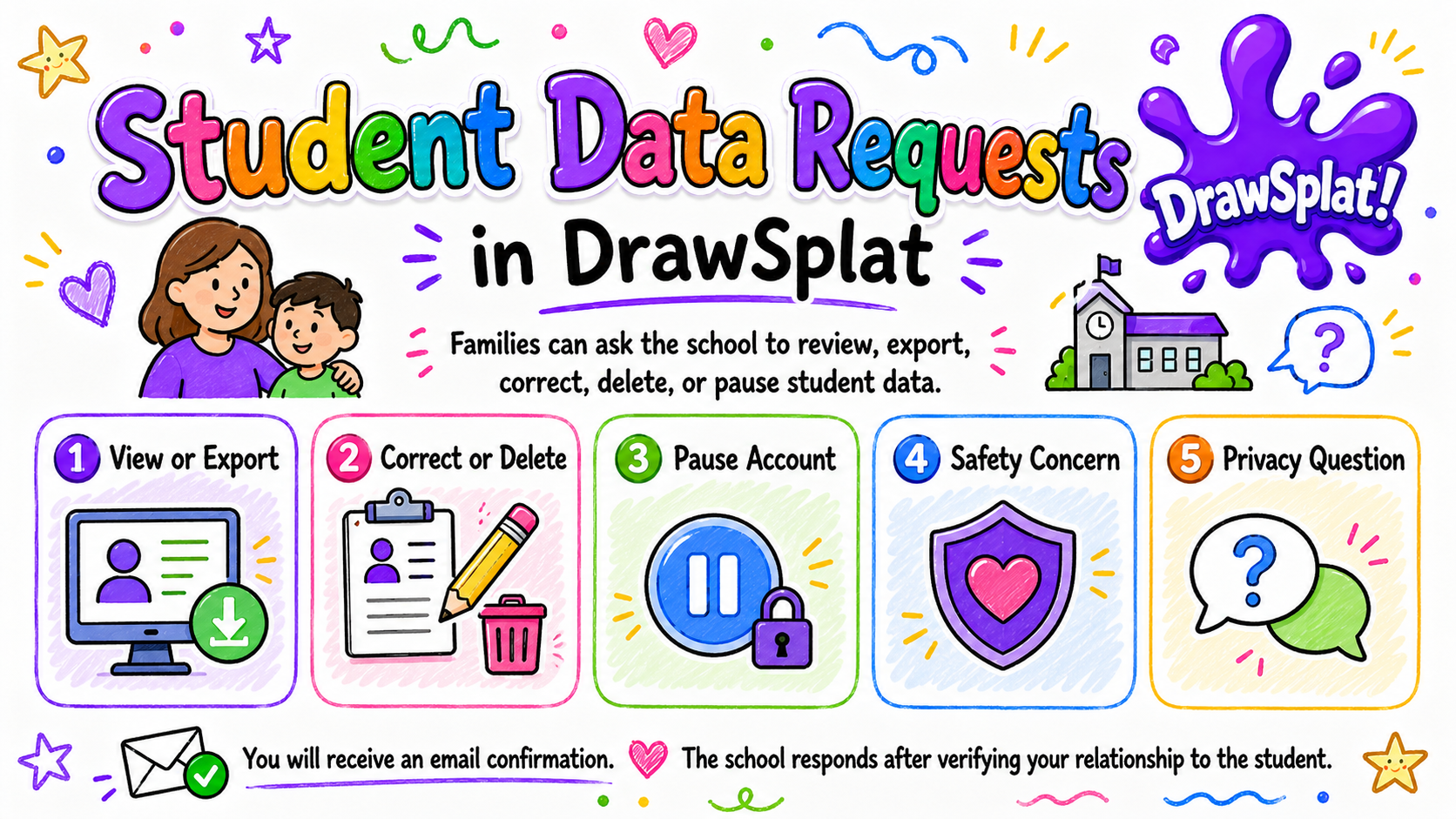
This form works with a school’s configured Apps Script family service. Ask to view, download, correct, or delete your child’s records, pause access, or report a concern. The school checks your identity before acting. For a district database setup, use your school’s published request process.
Request
Family request form
Fields marked with are required. Use the form only when your school has connected its family service. Ask the school who receives requests.
What happens next
How requests are handled
These steps apply to a connected school Apps Script service. Email notices depend on the school’s settings.
- You receive an email confirmation with a ticket number.
- The school’s compliance contact is notified.
- The school verifies your relationship to the student. The simplest method is a one-time code your student’s teacher can issue through the school’s normal parent-communications channel.
- Verified requests are approved, denied, or escalated. Every step is recorded.
- You receive a response by email. Data exports and deletions are completed by a school administrator.
Where to read more
Privacy and safety documents
Parents and students guide: get started, keep a copy, share safely, and find help.