Kid-friendly spreadsheet work with formulas, classroom templates, charts, picture graphs, local files, and presentable views.
DrawSplat Studio / SplatWorks™
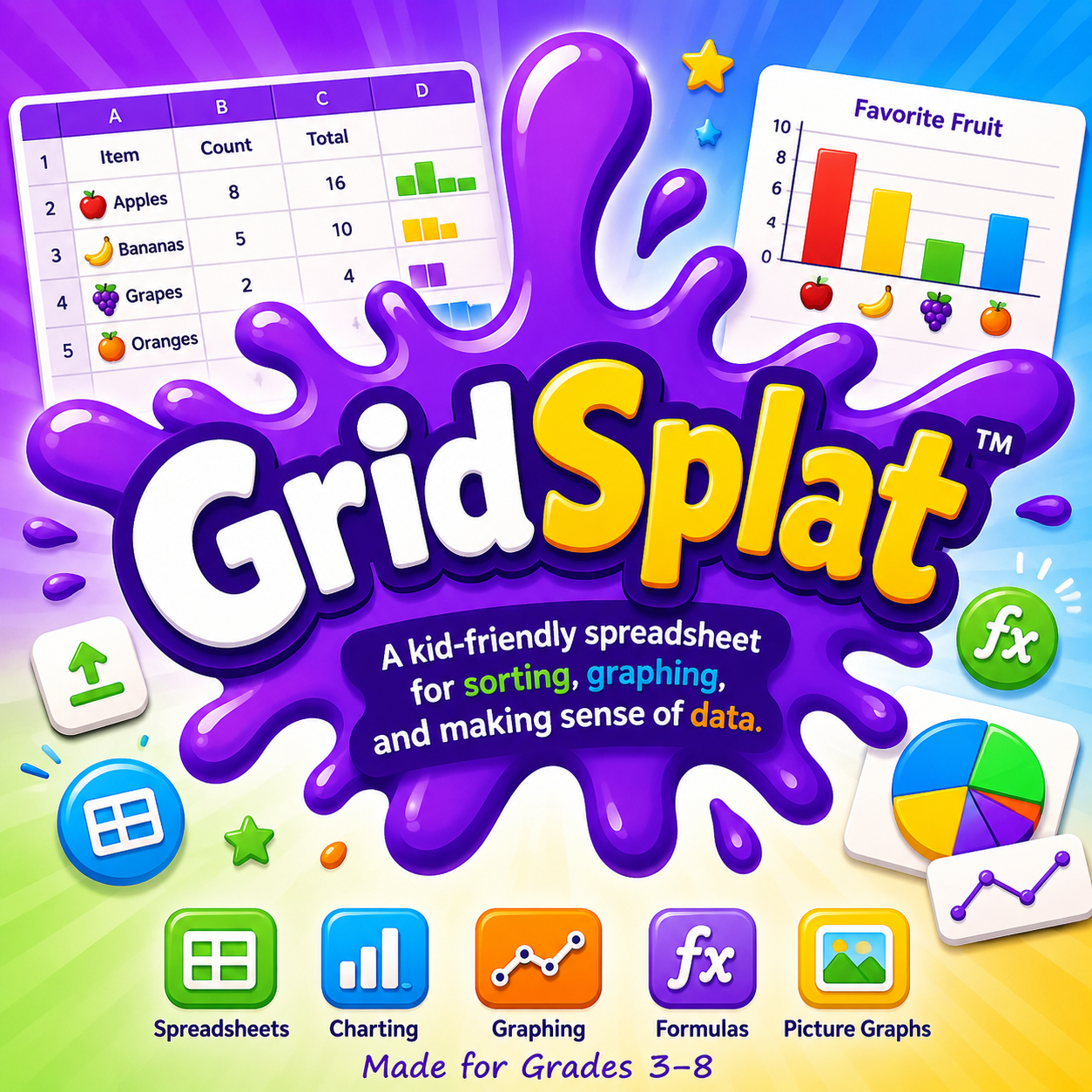
GridSplat™ is the spreadsheet workspace for classroom data.
SplatWorks™ is the GPL-covered office app family for writing, lists, slides, and spreadsheets. GridSplat™ brings spreadsheets, charts, picture graphs, templates, activities, and presentation-ready data work into that family.
SplatWorks™
One suite, growing one app at a time
GridSplat™, ShowSplat™, WriteSplat™, and ListSplat™ are available as SplatWorks classroom apps. These SplatWorks apps stay under the same GPL license family as GridSplat.
 WriteSplat™
Foundation word processor for the SplatWorks office app family.
Classroom database workspace for structured project data, forms, cards, labels, reports, CSV files, search, sorting, and templates.
Presentation and WebDeck authoring workspace with slide thumbnails, media insertion, Markdown Studio, and HTML deck export.
Spreadsheet features
- Enter values and formulas using the formula bar; use the function helper and common calculations.
- Select cell ranges and apply bold, italics, underline, font choices, text and fill colors, borders, wrapping, and alignment.
- Merge cells, resize rows and columns, adjust zoom, and freeze rows or columns.
- Sort data in ascending or descending order and choose a numeric display format.
- Create charts and picture graphs; use classroom templates, activities, and presentation views.
- Import and export CSV, Markdown tables, native JSON, Excel XLSX, and OpenDocument ODS worksheets. Verify converted formulas and formatting when exchanging files.
Getting started
Open a blank sheet or classroom template. Enter headings and data, then try a formula such as =SUM(B2:B5). Select a cell range to apply formatting or make a chart. Save a native JSON backup and export a CSV when sharing raw tabular data.
Saving and school hosting
Browser storage belongs to this browser and device; it is not a durable backup. Save project files regularly and test reopening them. Installing the district suite makes the app available on your school server; it does not automatically connect every SplatWorks file to whiteboard account-based saving.
SplatWorks overview and installation · Licensing · Download packages
Exchange files with Excel and Calc
Import and export Excel (.xlsx) and OpenDocument Spreadsheet (.ods) files. GridSplat reads the first worksheet and preserves common values, formulas, basic cell formatting, and merged cells. Imports can grow beyond the starting 20-by-20 grid, up to 2,000 rows, 200 columns, and 100,000 cells. Office file imports are limited to 20 MB. Charts, images, macros, and references to other worksheets are not fully supported. Keep a native JSON backup and check converted results.