DrawSplat Studio
Tools and widgets that open without the whiteboard.
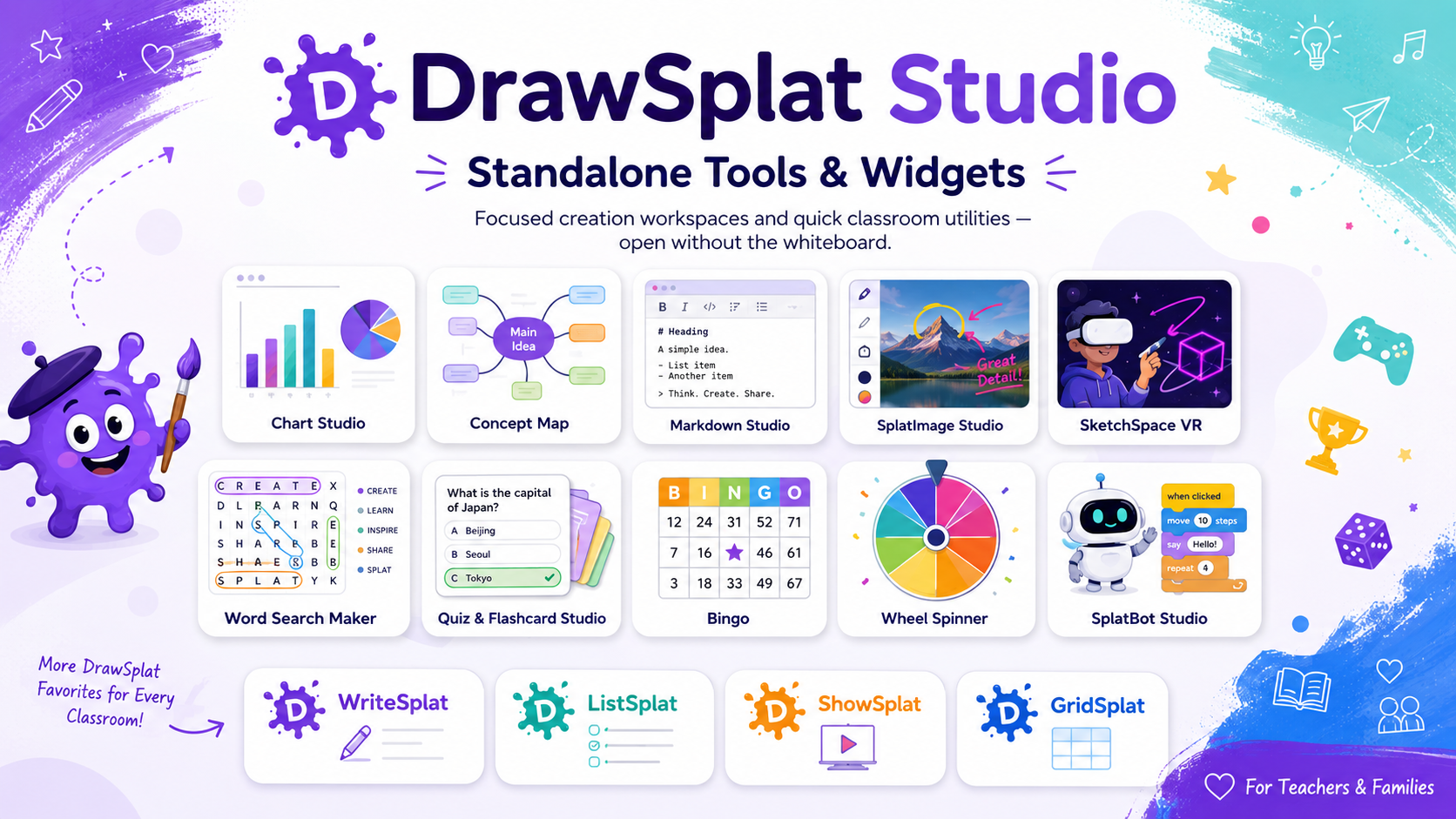
Use these focused pages directly from Studio. Tools are fuller creation workspaces; widgets are quick standalone classroom utilities.
Tools
Standalone creation workspaces
 GIFsplat™
Build animated GIFs from image frames and export GIF, MP4, or WebM.
 AudioSplat™
Record, arrange, analyze, edit, and export private multitrack audio in your browser.
 Big Link
Create a large projected or printable URL card.
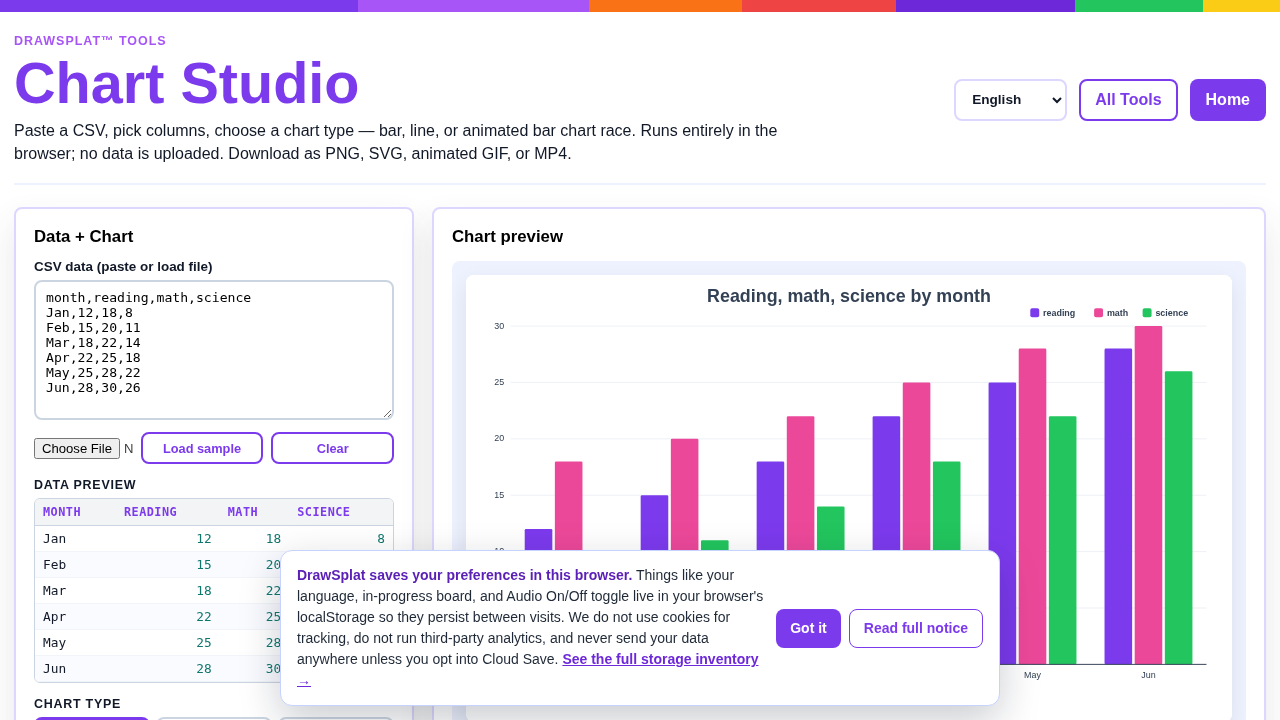 Chart Studio
Turn CSV data into charts and export classroom-ready visuals.
 CipherSplat
Encrypt files, folders, and private text locally with authenticated AES-256 encryption.
 Coloring Book
Paint printable line-art pages in the browser.
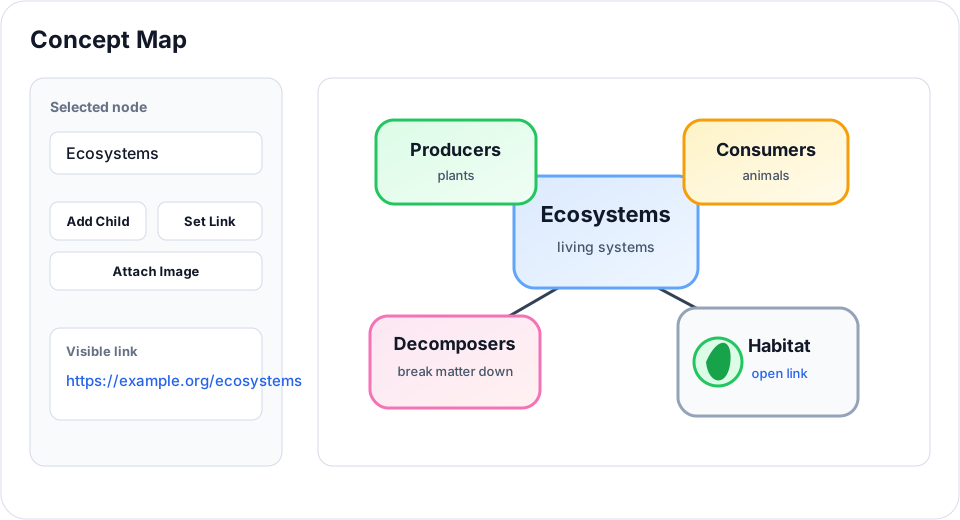 Concept Map
Create structured concept maps with templates and export options.
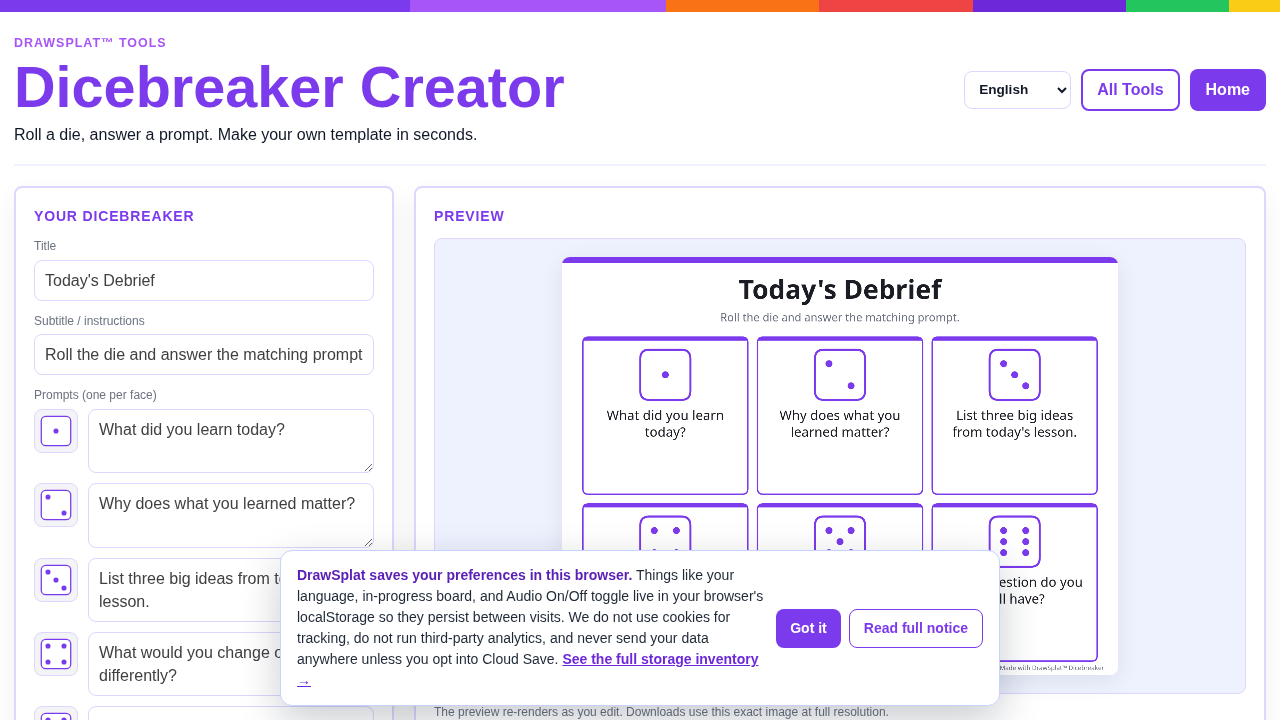 Dicebreaker Creator
Create dice-based prompts and icebreakers.
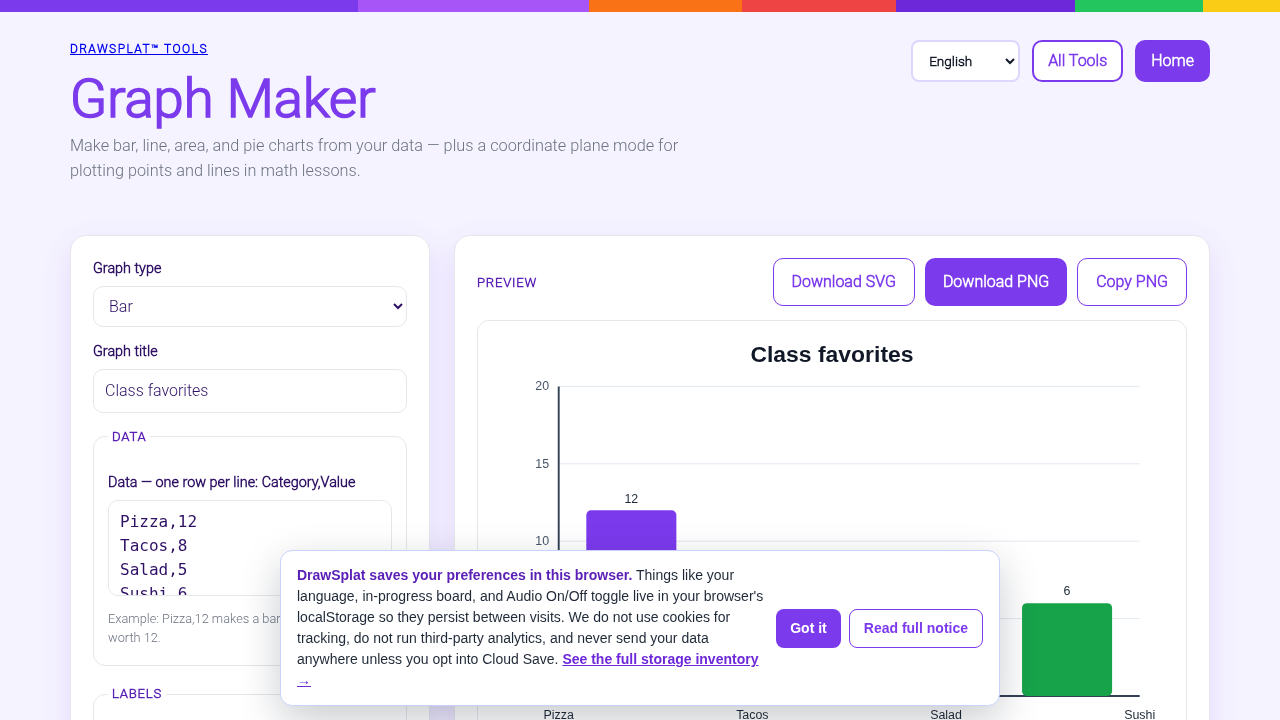 Graph Maker
Plot points and lines on a coordinate plane.
 Markdown Studio
Write, preview, and export classroom Markdown pages.
 MediaSplat™
Split, trim, join, and generate English subtitles with GPU assistance when available and CPU fallback. Burn captions locally.
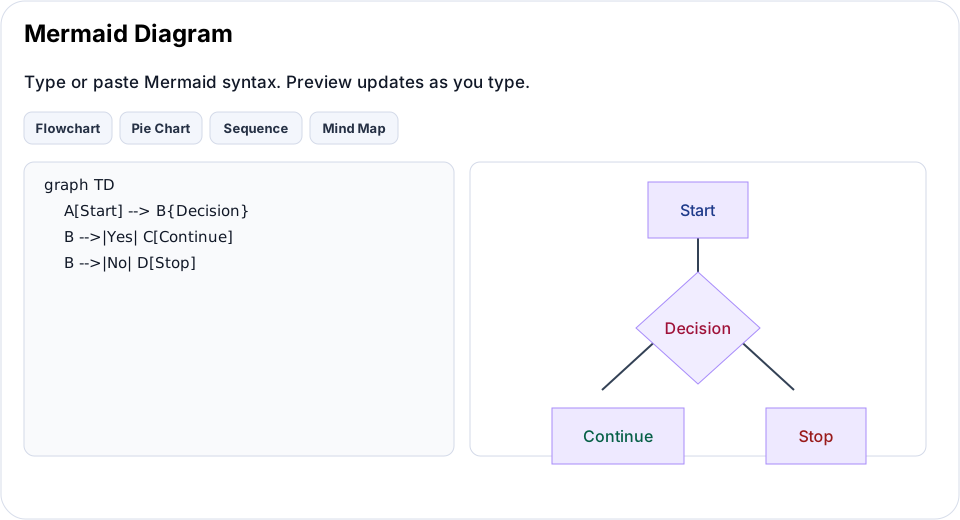 Mermaid Diagram
Compose diagrams from Mermaid syntax with live preview.
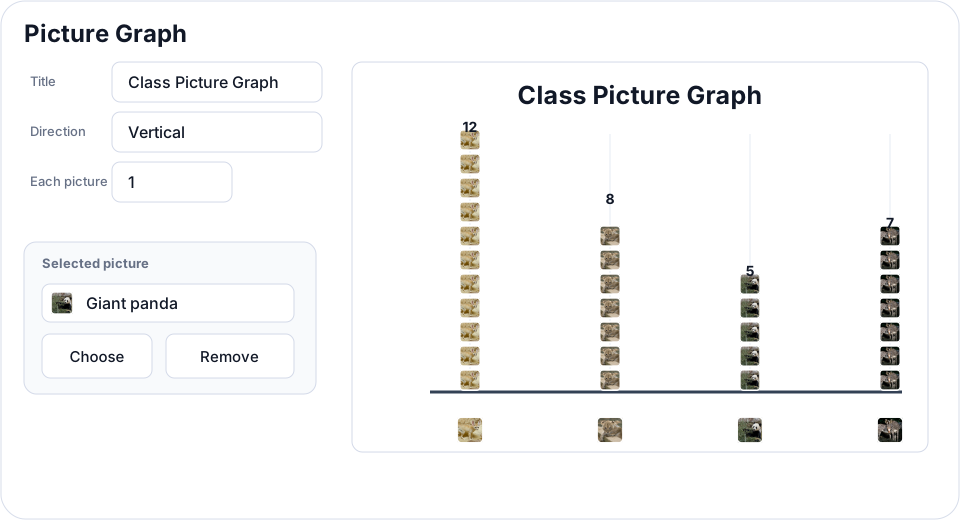 Picture Graph
Build pictographs where each icon represents a set value.
 PDFsplat™
Open documents and images as PDFs, place and format text, sign and organize pages, present full screen or on a timed loop, and save PDF, PNG, JPG, WebP, or an offline WebDeck v5 locally.
 Rubric Builder
Create practical rubrics for projects and assignments.
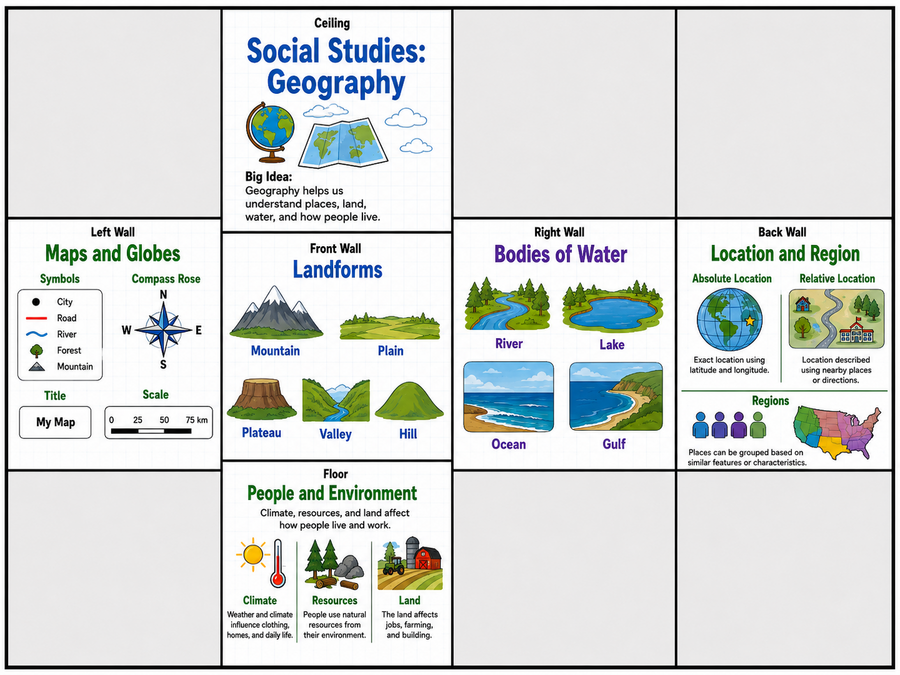 SketchSpace VR
Open immersive classroom scenes and guided activities.
 ImageSplat™
Adjust photos with before/after previews; edit images with annotations, layers, crop, and export tools.
 ClipSplat™
Record or import video, add illustrated panels and image cards, cut sections, and export an MP4 for sharing.
 VideoSplat™
Record and edit video, bookmark moments with timeline markers, generate English captions, and export with automatic encoding fallback.
 Word Search Maker
Generate word searches for vocabulary practice.
Widgets
Quick standalone utilities
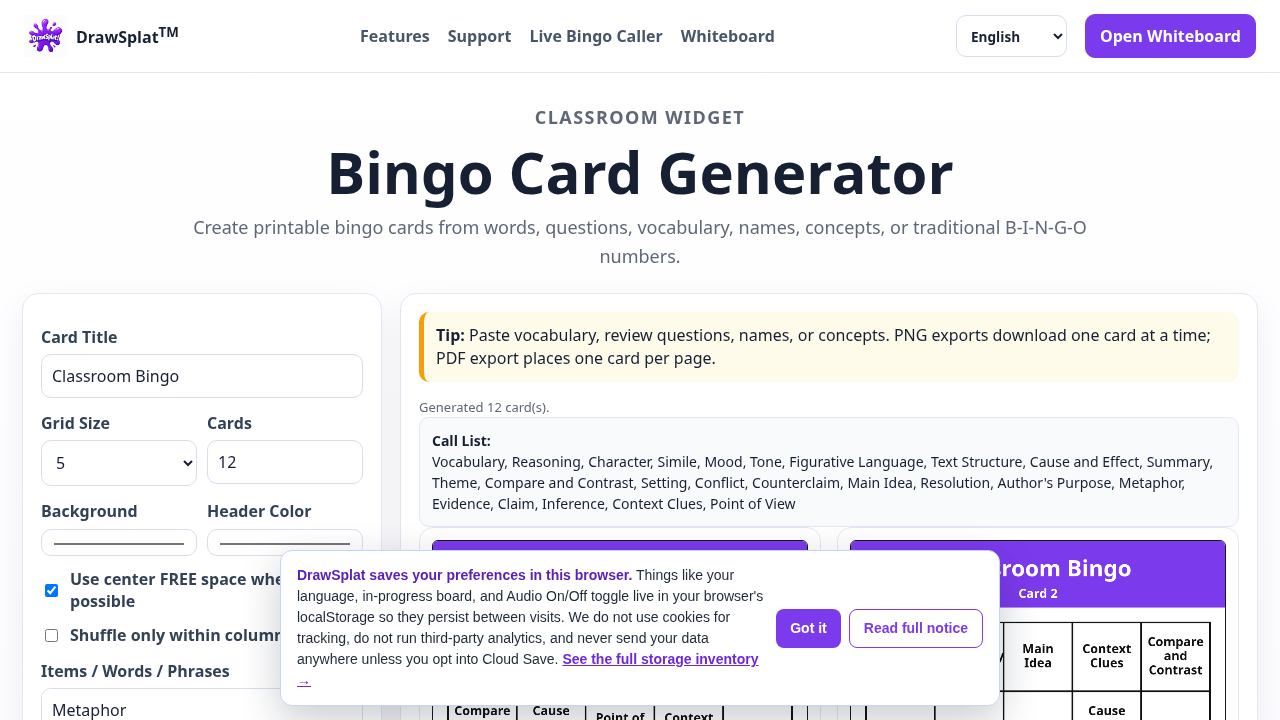 Bingo Card Generator
Create printable bingo cards.
 Bingo Caller
Run animated bingo calls.
 Brain Sort
Group a messy task dump into an organized checklist.
 Clock Wizard
Estimate task time with phase breakdowns.
 Coin Flipper
Flip custom coins for probability and choices.
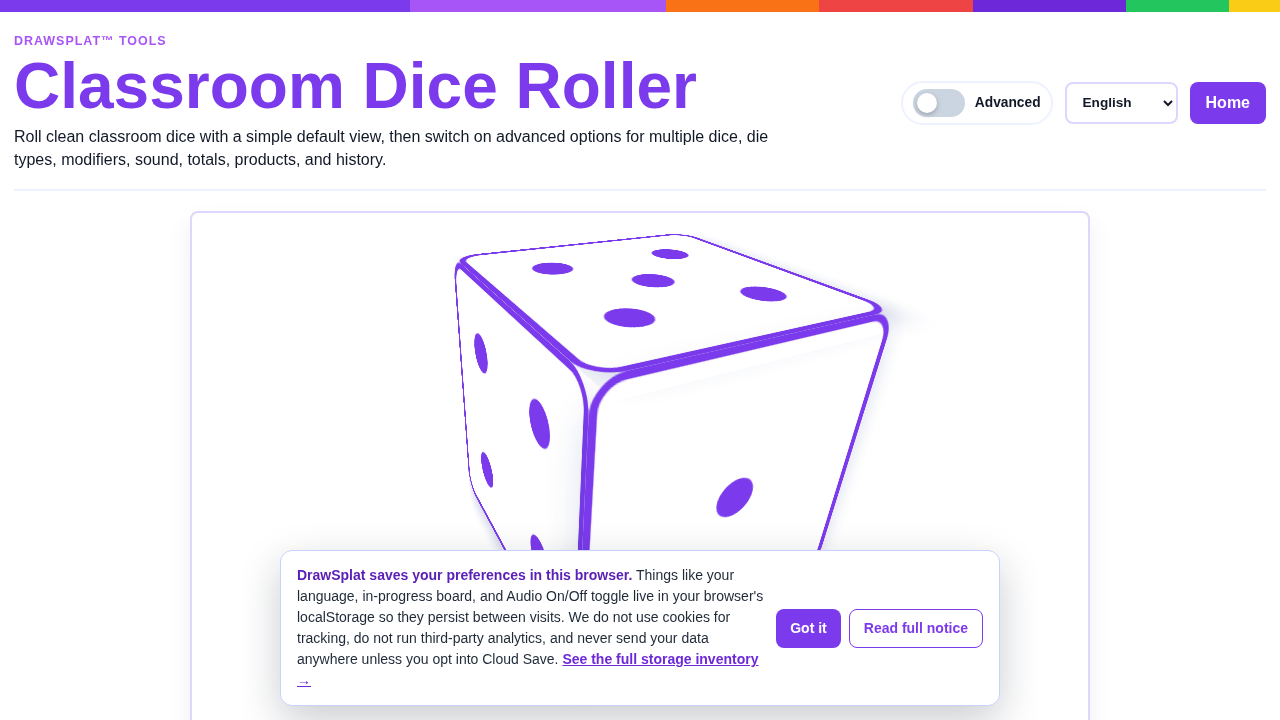 Dice Roller
Roll classroom dice.
 Draw & Sketch
Open a quick freehand sketch pad.
 Fortune Wheel
Spin a teacher-curated wheel.
 Meme Puzzle
Build image-based puzzle activities.
MemeSplat™Create captioned memes locally.
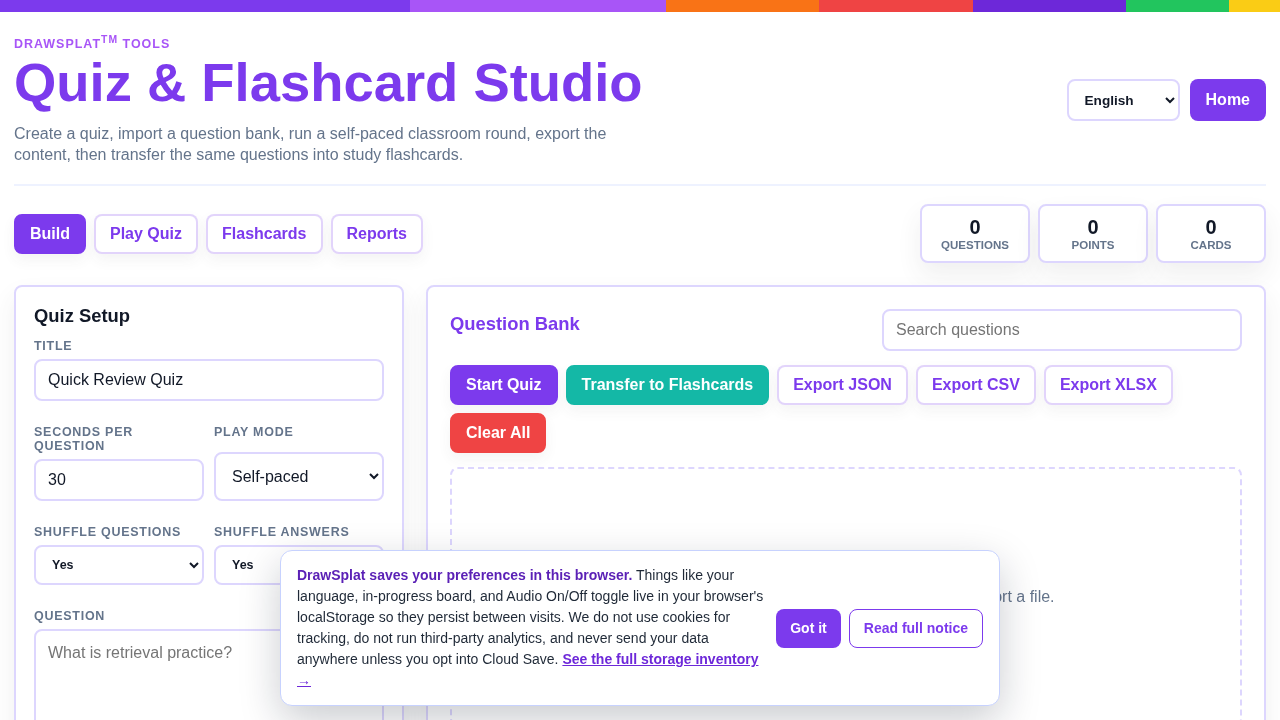 Quiz & Flashcard Studio
Build quizzes, team links, and printable flashcards.
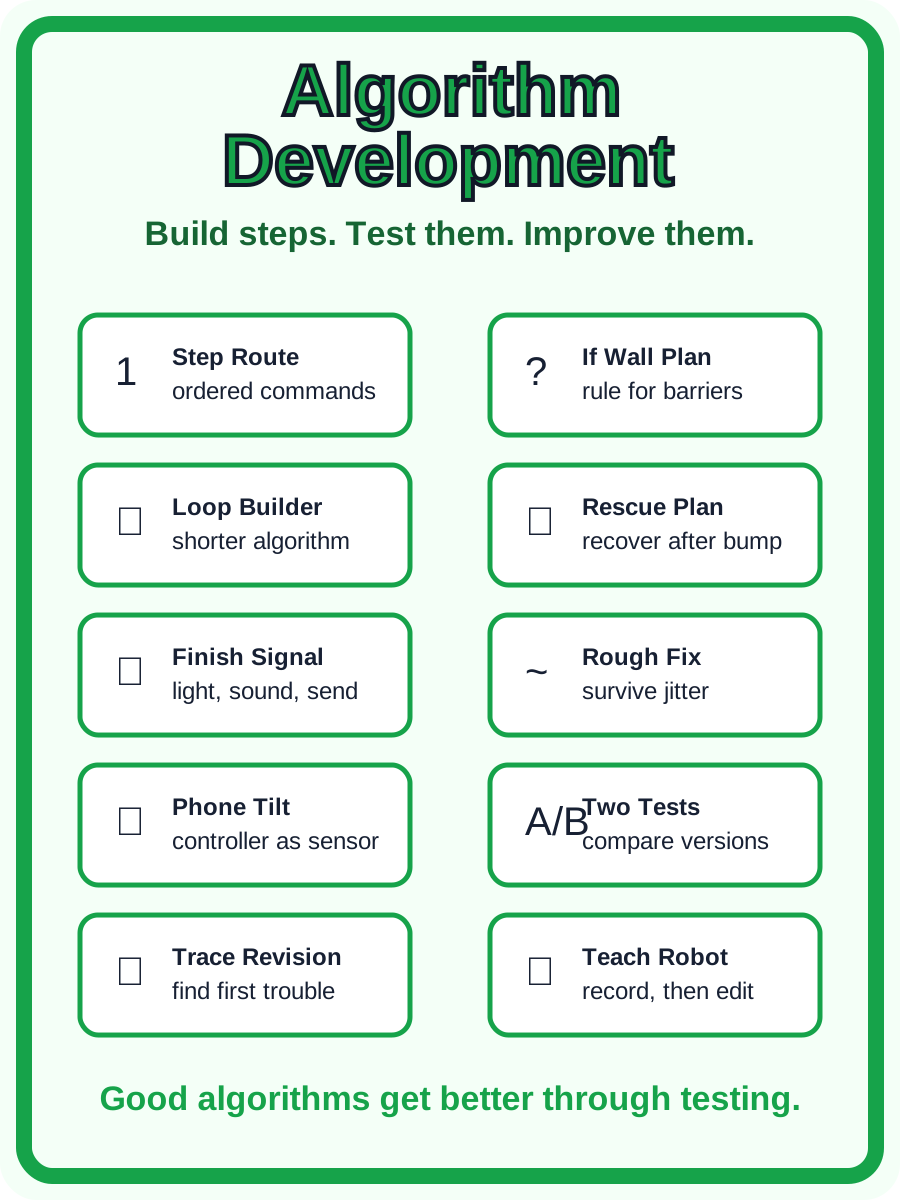 SplatBot Studio
Program a virtual classroom robot with blocks, word commands, missions, and shareable project files.
 Step-Splat
Break tasks into bite-size steps.
Story WheelSpin story prompts.
 Toneshifter
Rewrite text in a chosen tone.
 Vibe Check
Check the tone of a tricky message.
Wheel SpinnerDrop in a list and spin for a pick.