Feature Guide
Templates and Backgrounds
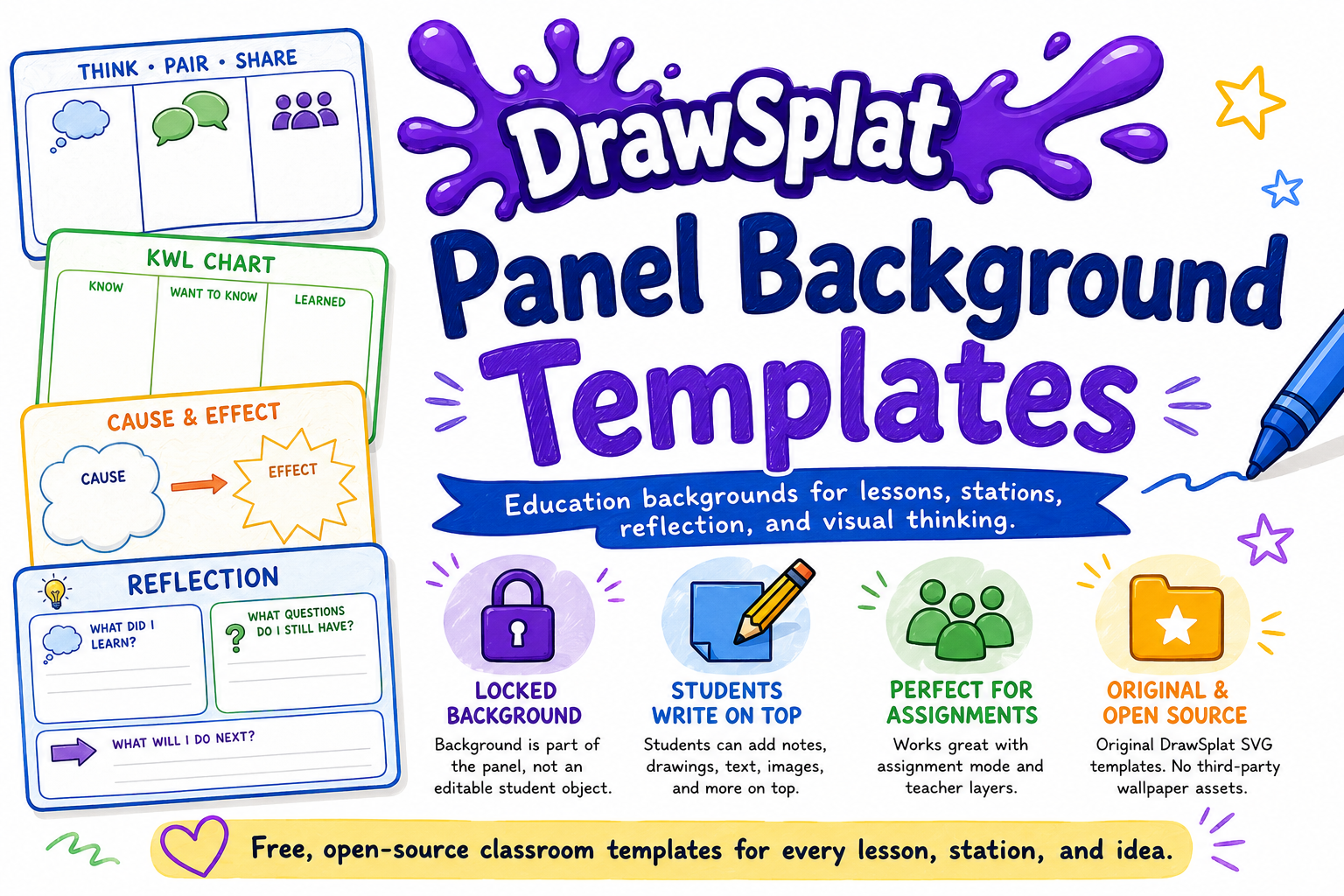
Use ready-made organizers, background patterns, and locked reference images to turn a blank board into a structured activity.
Background options
- Blank: open-ended drawing and brainstorming.
- Grid, dots, graph, ruled, and isometric: math, note-taking, sketching, and layout support.
- Education templates: KWL, Frayer Model, T-chart, Venn diagram, timeline, Cornell notes, storyboard, exit ticket, and more.
- Locked image backgrounds: use a teacher-provided reference image students cannot accidentally move.
How to use a template
- Open Background Templates or choose a built-in layout from the board.
- Select a template that matches the activity.
- Open it in DrawSplatTM or insert it on the current panel.
- Add prompts, labels, or example responses on the teacher layer.
- Duplicate the panel when each group or station needs its own copy.
Classroom ideas
- Use a Frayer Model for vocabulary practice.
- Use a timeline for sequencing events or process steps.
- Use a Venn diagram for comparison and contrast.
- Use an exit ticket panel as the final frame of a lesson.
- Save a finished prompt frame as a reusable template for future classes.