One platform. Many possibilities.
SplatWorks™
Create, teach, explain, organize, visualize, and play—right in your browser.
Writing, spreadsheets, presentations, databases, and page layout. All beside the DrawSplat whiteboard.

Start with SplatWorks
Room to build something bigger
Choose one of five office apps, or open the DrawSplat whiteboard.

LayoutSplat
Flyers, newsletters, and publications with precise pages, linked text, rulers, and guides.
GridSplat
Spreadsheets, formulas, tables, and charts.
ShowSplat
Slides and browser presentations.
WriteSplat
Classroom documents and writing.
ListSplat
Friendly lists and database projects.

DrawSplat Whiteboard
A collaborative visual workspace for lessons, explanations, media, and activities.
October 9 updates · v3.1.30
Documents, photos, sound, video, and slides
Convert supported documents to PDF, format text on the page, and save page images. Adjust photos, bookmark video moments, analyze audio, and import or export WebDeck v5 presentations.
New in DrawSplat
Four ways to practice words and typing
Choose a game with its own instructions and language options.

Cipher Chase
Type TEKS vocabulary to clear rival cars, steer around civilians, and learn each word’s definition. Sound starts on and includes a playback test.
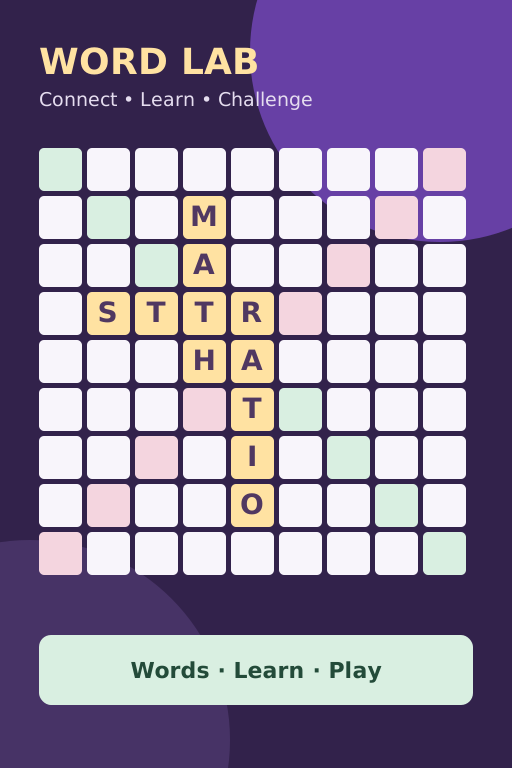
Wordfall Reactor
Connect letters on a word board against the computer. Starts with 95 everyday words; TEKS science, math, and social studies vocabulary is optional. Hints give definitions, leaving you to find the word and its placement.
Story Sprint
Type passages with speed, accuracy, and character feedback. Import classroom text locally; paste and drag/drop are blocked in scored practice. Choose Next passage when you finish.

Paws & Keys Adventure
Meet kittens and puppies in a gentle adventure for ages 4–9, with 12 progressive trails, four worlds, finger hints, and saved stars.
Popular starting points
Find the right tool without learning its name
Your DrawSplat
Pick up where you left off
Favorites and recents are stored only in this browser.
★ Favorites
Recently used
Sign the guestbook
Share what you’re creating, or leave a note.